“Design used to be the seasoning you’d sprinkle on for taste. Now it’s the flour you need at the start of the recipe.’’

— John Maeda, Designer and Technologist
closeing x icon

Contact us

Please tell us a bit about your project idea and we’ll get back to you as soon as possible.
Tell us about your project idea
Thank you! Your submission has been received!
Oops! Something went wrong while submitting the form.
closeing x icon
Privacy Policy

This Privacy policy was published on March 1st, 2020.

GDPR compliance

At UX GIRL we are committed to protect and respect your privacy in compliance with EU - General Data Protection Regulation (GDPR) 2016/679, dated April 27th, 2016. This privacy statement explains when and why we collect personal information, how we use it, the conditions under which we may disclose it to others and how we keep it secure. This Privacy Policy applies to the use of our services, products and our sales, but also marketing and client contract fulfilment activities. It also applies to individuals seeking a job at UX GIRL.

About UX GIRL

UX GIRL is a design studio firm that specialises in research, strategy and design and offers clients software design services. Our company is headquartered in Warsaw, Poland and you can get in touch with us by writing to hello@uxgirl.com.

When we collect personal data about you
  • When you interact with us in person – through correspondence, by phone, by social media, or through our uxgirl.com (“Site”).
  • When we get personal information from other legitimate sources, such as third-party data aggregators, UX GIRL marketing partners, public sources or social networks. We only use this data if you have given your consent to them to share your personal data with others.
  • We may collect personal data if it is considered to be of legitimate interest and if this interest is not overridden by your privacy interests. We make sure an assessment is made, with an established mutual interest between you and UX GIRL.
  • When you are using our products.
Why we collect and use personal data

We collect and use personal data mainly to perform direct sales, direct marketing, and customer service. We also collect data about partners and persons seeking a job or working in our company. We may use your information for the following purposes:

  • Send you marketing communications which you have requested. These may include information about our services, products, events, activities, and promotions of our partners. This communication is subscription based and requires your consent.
  • Send you information about the services and products that you have purchased from us.
  • Perform direct sales activities in cases where legitimate and mutual interest is established.
  • Provide you content and venue details on a webinar or event you signed up for.
  • Reply to a ‘Contact me’ or other web forms you have completed on our Site (e.g., to download an ebook).
  • Follow up on incoming requests (client support, emails, chats, or phone calls).
  • Perform contractual obligations such as invoices, reminders, and similar. The contract may be with UX GIRL directly or with a UX GIRL partner.
  • Notify you of any disruptions to our services.
  • Contact you to conduct surveys about your opinion on our services and products.
  • When we do a business deal or negotiate a business deal, involving sale or transfer of all or a part of our business or assets. These deals can include any merger, financing, acquisition, or bankruptcy transaction or proceeding.
  • Process a job application.
  • To comply with laws.
  • To respond to lawful requests and legal process.
  • To protect the rights and property of UX GIRL, our agents, customers, and others. Includes enforcing our agreements, policies, and terms of use.
  • In an emergency. Includes protecting the safety of our employees, our customers, or any person.
Type of personal data collected

We collect your email, full name and company’s name, but in addition, we can also collect phone numbers. We may also collect feedback, comments and questions received from you in service-related communication and activities, such as meetings, phone calls, chats, documents, and emails.

If you apply for a job at UX GIRL, we collect the data you provide during the application process. UX GIRL does not collect or process any particular categories of personal data, such as unique public identifiers or sensitive personal data.

Information we collect automatically

We automatically log information about you and your computer. For example, when visiting uxgirl.com, we log ‎your computer operating system type,‎ browser type,‎ browser language,‎ pages you viewed,‎ how long you spent on a page,‎ access times,‎ internet protocol (IP) address and information about your actions on our Site.

The use of cookies and web beacons

We may log information using "cookies." Cookies are small data files stored on your hard drive by a website. Cookies help us make our Site and your visit better.

We may log information using digital images called web beacons on our Site or in our emails.

This information is used to make our Site work more efficiently, as well as to provide business and marketing information to the owners of the Site, and to gather such personal data as browser type and operating system, referring page, path through site, domain of ISP, etc. for the purposes of understanding how visitors use our Site. Cookies and similar technologies help us tailor our Site to your personal needs, as well as to detect and prevent security threats and abuse. If used alone, cookies and web beacons do not personally identify you.

How long we keep your data

We store personal data for as long as we find it necessary to fulfil the purpose for which the personal data was collected, while also considering our need to answer your queries or resolve possible problems. This helps us to comply with legal requirements under applicable laws, to attend to any legal claims/complaints, and for safeguarding purposes.

This means that we may retain your personal data for a reasonable period after your last interaction with us. When the personal data that we have collected is no longer required, we will delete it securely. We may process data for statistical purposes, but in such cases, data will be anonymised.

Your rights to your personal data

You have the following rights concerning your personal data:

  • The right to request a copy of your personal data that UX GIRL holds about you.
  • The right to request that UX GIRL correct your personal data if inaccurate or out of date.
  • The right to request that your personal data is deleted when it is no longer necessary for UX GIRL to retain such data.
  • The right to withdraw any consent to personal data processing at any time. For example, your consent to receive digital marketing messages. If you want to withdraw your consent for digital marketing messages, please make use of the link to manage your subscriptions included in our communication.
  • The right to request that UX GIRL provides you with your personal data.
  • The right to request a restriction on further data processing, in case there is a dispute about the accuracy or processing of your personal data.
  • The right to object to the processing of personal data, in case data processing has been based on legitimate interest and/or direct marketing.

Any query about your privacy rights should be sent to hello@uxgirl.com.

Hotjar’s privacy policy

We use Hotjar in order to better understand our users’ needs and to optimize this service and experience. Hotjar is a technology service that helps us better understand our users experience (e.g. how much time they spend on which pages, which links they choose to click, what users do and don’t like, etc.) and this enables us to build and maintain our service with user feedback. Hotjar uses cookies and other technologies to collect data on our users’ behavior and their devices (in particular device's IP address (captured and stored only in anonymized form), device screen size, device type (unique device identifiers), browser information, geographic location (country only), preferred language used to display our website). Hotjar stores this information in a pseudonymized user profile. Neither Hotjar nor we will ever use this information to identify individual users or to match it with further data on an individual user. For further details, please see Hotjar’s privacy policy by clicking on this link.

You can opt-out to the creation of a user profile, Hotjar’s storing of data about your usage of our site and Hotjar’s use of tracking cookies on other websites by following this opt-out link.

Sharethis’s privacy policy

We use Sharethis to enable our users to share our content on social media. Sharethis lets us collects information about the number of shares of our posts. For further details, please see Sharethis’s privacy policy by clicking on this link.

You can opt-out of Sharethis collecting data about you by following this opt-out link.

Changes to this Privacy Policy

UX GIRL reserves the right to amend this privacy policy at any time. The latest version will always be found on our Site. We encourage you to check this page occasionally to ensure that you are happy with any changes.

If we make changes that significantly alter our privacy practices, we will notify you by email or post a notice on our Site before the change takes effect.

Minimalist graphic header with the text Design Trends for 2025 under the logo UX Girl, placed over a soft abstract beige background shape

Product Design

Design Trends for 2025: What’s Hot and What’s Next?

•

reading time  - clock - icon
3 min
Author picture
  • Explore the biggest design trends shaping 2025.
  • Discover emerging UI and UX patterns.
  • Learn how new technologies influence digital design.
  • Understand which trends deliver real business value.

2025 is shaping up to be an extraordinary year in design! From futuristic technology to nostalgic aesthetics, this year's trends are all about pushing boundaries while staying deeply connected to what feels authentic and human. Here’s your ultimate guide to the design trends that are set to dominate in 2025.

Grid Redefined: Breaking the Rules

Forget rigid and predictable layouts—2025 is all about asymmetry and bold structural designs. Designers are taking grids to a whole new level, creating layouts that challenge conventions and offer a more dynamic visual experience. Unconventional alignments and layered compositions are the new norm, adding a sense of movement and energy to every project.

Pro Tip: Experiment with diagonal lines, overlapping elements, and varying column widths to create a fresh, unexpected layout.

A collage of modern website layouts showcasing minimalist and experimental graphic design. The designs feature bold typography, grid-based structures, product photos, abstract graphics, and clean whitespace, highlighting various contemporary visual styles.

Bold Animations: Motion with a Statement

Animations are stepping into the spotlight like never before. Subtle effects are being swapped for vibrant, dynamic motion graphics that demand attention. From websites to mobile apps, expect animations to be bigger, faster, and bolder, adding a sense of drama and personality to digital interactions.

How to Use It: Incorporate scroll-triggered animations or playful transitions that create a sense of narrative for your users.

A collage-style layout showing two different creative website designs. The left side features a bold purple header with overlapping stacked images of people wearing colorful sunglasses, along with a retro pixel-style grid of small image thumbnails below. The right side features a white background with scattered photo thumbnails labeled in neon yellow text, surrounding a large stylized black logo that reads ‘church’ in a stretched, fluid typeface

AI Images: The Future of Creativity

Artificial Intelligence continues to transform the design world, and 2025 is no exception. AI tools are now capable of producing mesmerizing, one-of-a-kind visuals that feel both futuristic and artistic. Whether you need surreal landscapes, intricate textures, or unique branding assets, AI-generated art is becoming a must-have tool for designers.

Where It Shines: Use AI to generate concept art, mood boards, or even finished illustrations that feel truly cutting-edge.

Retro Comeback: Nostalgia with a Twist

The past is still inspiring the future, as the aesthetics of the ‘70s, ‘80s, and ‘90s make a stylish return. However, this time around, these retro vibes come with a modern twist-bright neon colors, pixelated textures, and groovy patterns are reimagined for a contemporary audience.

Why It Works: Nostalgia taps into powerful emotions, making designs feel comforting yet fresh. Perfect for branding and campaigns looking to connect on a deeper level.

A collage of four colorful, playful graphic design website layouts. The top-left features a bold ‘Memphis Milano’ layout with geometric shapes; the top-right shows cartoon-style flower characters and retro patterns; the bottom-left displays a bright blue webpage with floating yellow objects and the text ‘Install Team’; the bottom-right presents a vibrant pink and blue graphic with the logo ‘Cripto Cantina’ and labels like Education, Research, and Freedom.

Green Design: Sustainability First

Eco-consciousness is no longer optional—-it’s essential. 2025 is putting nature-inspired designs and sustainable practices front and center. Earthy color palettes, organic textures, and a focus on biophilic design principles are helping brands communicate their commitment to the planet.

Make It Count: Highlight sustainability in your design process by choosing recyclable materials, eco-friendly typography, or green-certified design tools.

A collage of eco-themed website designs, featuring green color palettes, nature illustrations, aerial landscape photography, and sustainability-focused typography. The layouts highlight themes like restoring nature, environmental research, and sustainable sourcing

Claymorphism: Soft and Playful

Meet the design world’s new favorite 3D trend: Claymorphism. This playful aesthetic features soft, clay-like shapes combined with pastel tones and smooth gradients. It’s approachable, friendly, and perfect for modern designs in tech, wellness, and education.

In Action: Use Claymorphism to bring character to UI elements like buttons, cards, and icons.

A collage of colorful 3D illustrations including a pastel geometric grid icon in the center surrounded by floating spheres and crystal shapes, a lavender hoodie on a purple background, a stylized 3D landscape with colorful mountains and spheres, a blocky multicolor cube with graphic patterns, and a playful abstract computer-like sculpture with floating orbs on a yellow backdrop.

Content Badges: Information That Pops

Clear, engaging content markers are taking center stage in 2025. Content badges-small but bold highlights-draw attention to key information, making it easier for users to engage with your designs. These eye-catching elements are great for calls to action, pricing details, or event highlights.

Quick Tip: Experiment with bright colors, bold outlines, and playful typography to make badges unmissable.

A collage of modern website designs including: a minimal creative platform interface with soft gradients and abstract 3D shapes; a sustainable farming website with green accents and aerial farmland images; a beauty product landing page featuring a cream container and a woman; and a financial services interface with bold black typography, profile icons, and a monthly revenue chart

3D Shapes: Adding Depth and Dimension

3D design remains a fan favorite, with bold, sculptural elements continuing to dominate visual trends. These elements add depth and uniqueness, whether you’re creating a brand identity, a website, or a social media post.

Why It Matters: 3D shapes make your designs feel tactile, interactive, and immersive-perfect for catching (and keeping) attention.

A collage of colorful 3D and illustration-style website designs, including abstract soft-shaped UI elements, a cartoon castle scene, geometric 3D shapes, bubbly spheres, and a promotional banner for a 3D illustration constructor featuring a friendly cartoon character.

Final Thoughts: Design in 2025

This year’s trends are all about standing out while staying authentic. Whether you’re experimenting with AI, embracing nostalgia, or focusing on sustainability, there’s a trend to match every creative vision.

Start incorporating these trends into your projects today to stay ahead of the curve and inspire your audience with designs that are both innovative and unforgettable.
Author picture
She specializes in UX research, accessibility, usability testing, and product validation. Her expertise supports evidence-based product development, helping teams reduce risk and improve the overall user experience.
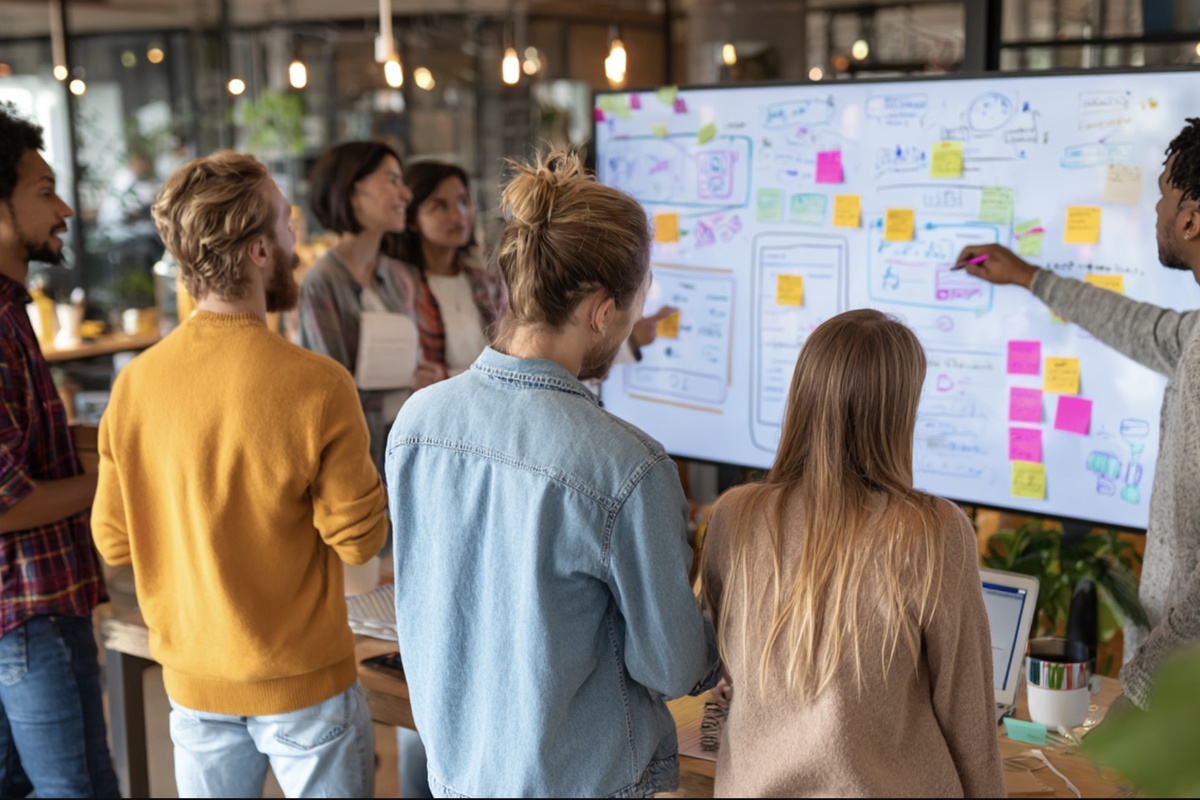
A group of eight people standing around a large whiteboard covered with sketches, diagrams, and colorful sticky notes as they collaborate and discuss ideas in a modern, open office space.
reading time  - clock - icon
5 min

Magdalena Ostoja-Chyżyńska: AI Workshops for UX/UI Teams at UX GIRL

The world of UX/UI design is evolving faster than ever, with artificial intelligence becoming an integral part of it. More and more companies are implementing AI to accelerate processes, automate tasks, and uncover new opportunities in research and product design. But simply using AI tools isn’t enough – skills, knowledge, and a conscious approach are key.

That’s why Magdalena Ostoj-Chyżyńska, CEO of UX GIRL and an expert in UX and AI, leads dedicated workshops for design, research, and product teams.

Why should your team learn AI now?

According to the latest McKinsey & Company report (2024):

  • 41% of product development teams already use AI regularly.
  • 1 in 3 professionals reported over 10% revenue growth thanks to AI in product development.
  • More than 20% of companies achieved cost reductions of 20% or more in product/service development with AI.
  • 48% of employees say formal AI training is the most important factor that would help them use these tools more effectively.

Yet many employees still feel they are not receiving enough support from their organizations. This is where professional, hands-on workshops like those organized by UX GIRL come in.

What will your team gain?

The “Generative AI for Design Teams” workshop helps teams to:

  • Integrate AI into UX/UI processes – from ideation to final delivery.
  • Use AI in product discovery – research, data analysis, and generating insights.
  • Automate workflows – streamline processes and improve collaboration.
  • Master practical AI tools – for prototyping, testing, and content optimization.
  • Understand ethical AI – address data privacy, bias, and responsible design.
  • Future-proof your skills – stay ahead of AI trends and apply them to daily design practice.

Workshop Program

  • Introduction to AI for UX/UI Designers
  • AI in Product Discovery
  • AI Tools in UX/UI Design
  • Hands-On Workshop: AI in Action
  • AI for Process Optimization
  • Ethical AI Design

Workshops can be delivered on-site or online, last one intensive day, and are tailored to the size and needs of your team.

Why does it matter?

McKinsey research shows that companies implementing AI effectively can:

  • Accelerate design processes by 30–60%.
  • Achieve up to 20% cost reduction in product and service development.
  • Boost team efficiency and satisfaction, as employees consistently demand structured training and clear guidance.

Magdalena Ostoj-Chyżyńska – an expert bridging UX and AI

Magdalena is a seasoned UX expert with 13+ years of experience in designing and researching user interfaces for industries such as fintech, fashion, cosmetics, and telecom. She has spoken at over 35 international conferences, led AI and UX workshops at Infoshare and WaySConf, and worked with startups as well as global corporations.

As CEO of UX GIRL, she actively supports teams in responsibly integrating AI into design workflows. She advocates for ethical and human-centered AI use, ensuring that AI-powered solutions remain inclusive, safe, and responsible.

One workshop participant shared:

“During the training, we focused on the fundamentals of AI for designers, the application of AI in the Discovery phase, and everyday design work. The practical workshops showed us how to optimize design processes and how to responsibly use AI tools. With these new skills, we’ll design faster, smarter, and better respond to user needs.”

Final Thoughts

The design industry is being transformed by AI – and the companies that invest in practical training today are gaining a strong competitive advantage. The workshops led by Magdalena Ostoj-Chyżyńska and UX GIRL are an opportunity for your organization to not only understand AI’s potential but also to implement it practically, ethically, and effectively.

👉 Want your team to work faster, smarter, and more creatively with AI?
Get in touch with UX GIRL and invest in the future of your team!

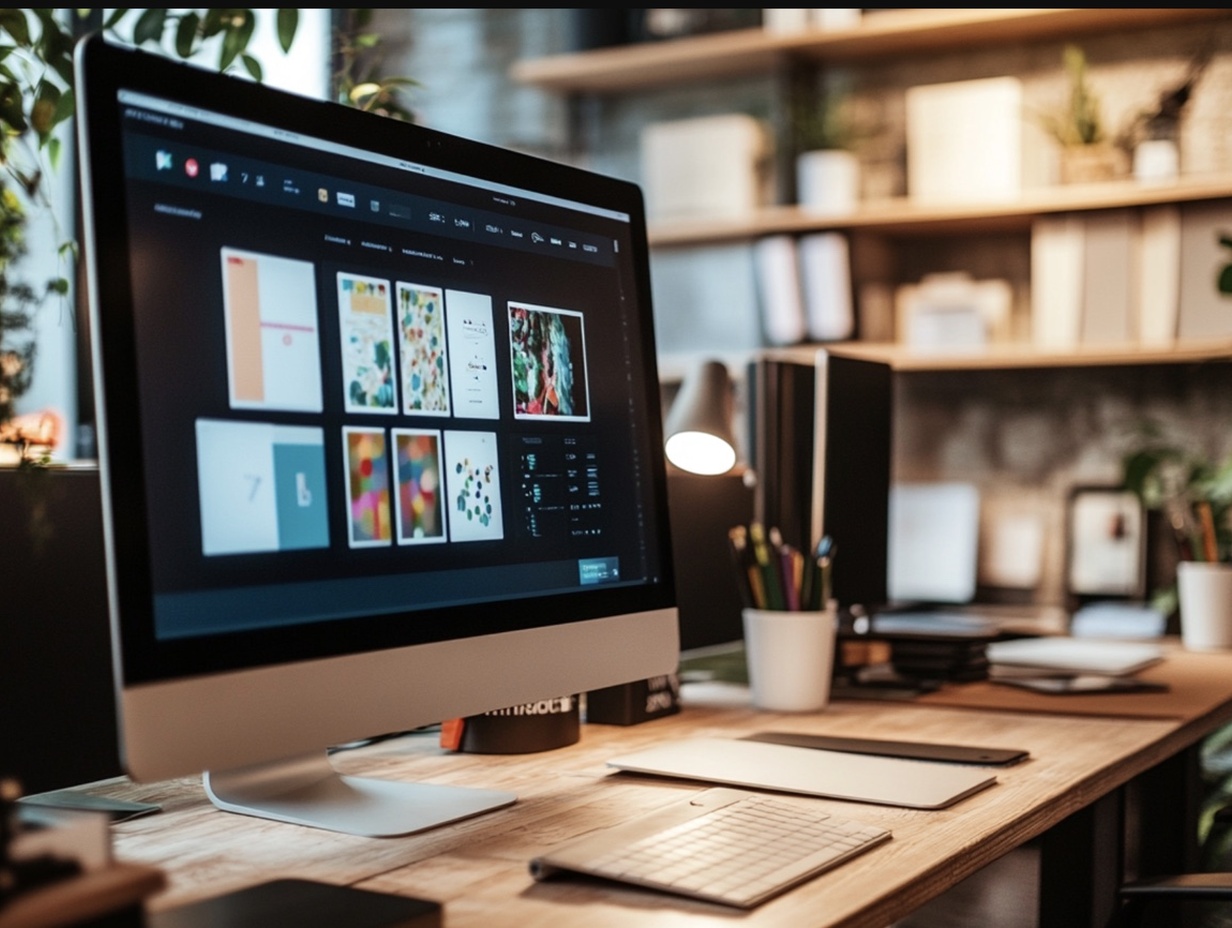
A cozy, plant-filled workspace featuring a large desktop computer displaying a grid of design thumbnails, with drawing tablets and other creative tools neatly arranged on a wooden desk.
reading time  - clock - icon
5 min

Psychology of Color in UX/UI

Color is one of the most powerful tools in the hands of a UX/UI designer. The right color choices not only attract attention but also evoke emotions, build trust, and influence purchasing decisions. Color psychology isn’t magic – it’s a well-established science that should be an essential part of every interface design process.

Why Do Colors Matter?

Each color carries specific cultural and emotional associations. While interpretations may vary based on context and geography, there are universal patterns that designers can rely on.

Colors can:

  • Set the mood (e.g., blue calms, red excites)
  • Guide the eye (e.g., accent colors draw user attention)
  • Strengthen brand identity (e.g., green in logos suggests nature or sustainability)
  • Increase conversions (e.g., a well-chosen CTA button color can boost clicks)

What Emotions Do Colors Evoke?

🔴 Red

  • Emotions: Energy, passion, urgency
  • Best for: Sales, alerts, calls-to-action
  • Caution: Can be stressful if overused

🔵 Blue

  • Emotions: Trust, calm, professionalism
  • Best for: Banking, tech, healthcare
  • Caution: Cool tones may feel distant

🟢 Green

  • Emotions: Nature, freshness, balance
  • Best for: Eco-friendly products, finance, wellness
  • Tip: Often used to indicate success or confirmation

🟡 Yellow

  • Emotions: Optimism, happiness, energy
  • Best for: Promotions, children's products, creative brands
  • Caution: Overuse can be visually overwhelming

🟣 Purple

  • Emotions: Luxury, creativity, spirituality
  • Best for: Beauty, art, premium products
  • Tip: Use with care — not everyone connects with it

⚫ Black

  • Emotions: Elegance, power, modernity
  • Best for: Luxury, high-end design
  • Tip: Works best with strong contrast

⚪ White

  • Emotions: Simplicity, clarity, purity
  • Best for: Minimalist interfaces, clean layouts
  • Tip: Pair with accent colors for visual interest

Contrast and Accessibility

Color psychology is not just about emotions - it's also about functionality. Good color choices should be accessible to all users, including those with vision impairments (like color blindness). In UX/UI, make sure to focus on:

  • High contrast between text and background
  • Clear indication of states (hover, focus, disabled)
  • Following WCAG guidelines (e.g., minimum contrast ratio of 4.5:1)

Practical Uses of Color in UX/UI

  1. Call to Action (CTA): Buttons should stand out using high-contrast, bold colors like red, green, or orange.
  2. Onboarding & Microinteractions: Colors help guide users (e.g., green = “success”, red = “error”).
  3. Dark mode vs. light mode: Many apps offer both — colors must be adapted to maintain clarity and emotional consistency.

Final Thoughts

Color psychology isn’t about personal taste - it’s about communication. By using color deliberately, you can shape how users feel, behave, and interact with your product. Designing interfaces isn’t just about aesthetics - it’s about creating meaningful, emotional connections.

What is scroll jacking
reading time  - clock - icon
5 min

What is Scrolljacking?

Scrolljacking (or scroll hijacking) is a design pattern that changes the speed and, sometimes, the direction of scrolling on a web page. 

When it comes to scrolling, users have strong mental models: they expect to scroll vertically, at a consistent rate that is related to how they are physically interacting with their input device. In most computer operating systems, the default scroll speed can be manually adjusted to be more sensitive or less sensitive, but it is always consistent. 

Websites are designed to enhance the user experience, not impede it. Traditional scrolling is a universally expected behavior for internet users, and people anticipate their computers and browsers to operate in a familiar manner.

Here are some examples of websites that utilize scrolljacking:

  1. Home Société
  2. Cristóbal Balenciaga Museum
  3. Chalet Baumatti

Understanding the Purpose and Benefits of Scrolljacking

The Nielsen Norman Group identifies several common reasons why designers employ scrolljacking. Here are some of the key motivations outlined by digital product usability specialists: 

  • Simplifying Information Presentation: Scrolljacking is employed to simplify the presentation of complex or information-dense topics and visuals. For instance, consider the Apple Watch Ultra example above, where scrolljacking enables a step-by-step visual breakdown of eight physical features on the watch. This approach allows for a gradual unveiling of minute technical details, preventing users from becoming overwhelmed by an excessive amount of information all at once. 
  • Enhancing Storytelling: Another reason designers utilize this technique is to enhance storytelling. For instance, on the BBC website, scrolljacking is used to progressively disclose supporting information, effectively guiding users through the narrative. 
  • Conveying Brand Personality: Designers play a crucial role in reinforcing a brand's identity by translating it into user experience interactions. As users interact with a brand over time, they form an interpretation of the brand based on the sum of their experiences.

‍Is Scrolljacking Always a Good Choice? 

The answer to this question is quite simple - no. Designers understand that every design is crafted with the end user in mind. It necessitates a thorough assessment of the target demographic and a clear definition of the intended user experience. 

There are compelling reasons to exercise caution with scrolljacking. It might not be the best choice when developing websites with high traffic volumes, accommodating diverse devices, adhering to accessibility standards, or catering to a user base largely composed of less tech-savvy individuals.

The designer's pivotal role lies in scrutinizing whether employing scrolljacking would serve as an engaging enhancement to the user interface or if it might present an unwelcome hurdle, potentially deterring users from fully engaging with the website.

Enhancing User Enjoyment in Scrolljacking: What to Avoid 

Assuming you've made the choice to incorporate scrolljacking to infuse excitement and distinctiveness into your website design, it's crucial to be aware of potential pitfalls that can irritate users, even in the presence of the most remarkable designs. Specifically, you should be cautious of the following: 

  • Lack of Control Over Scrolling Speed: Users are accustomed to having control over their browsing experience. They expect to scroll through a webpage at their own pace, which includes reaching the bottom of the page when they desire. Preventing users from doing so can be frustrating. 
  • Failure to Indicate User Position: Given that scrolljacking is not a conventional browsing method, it can lead to user confusion. To mitigate this, it's advisable to provide clear visual cues indicating the user's current position, such as a progress bar or filled-in dots. This helps users maintain a sense of orientation within the scrolling journey. 
  • Information Overload: Even the most elegant design can become overwhelming if users find themselves scrolling through a single page for an extended period without a discernible endpoint. Always assess whether the volume of content is proportional to the user's scrolling experience, avoiding excessive information that might overwhelm them. 
  • Page Performance Issues: The use of scrolljacking, especially in conjunction with numerous animations, can lead to slow page performance. To prevent this issue, rigorous testing on various browsers is essential. Ensuring that the website maintains smooth functionality across different platforms is vital for a positive user experience. Incorporating these considerations into your scrolljacking design can help create a captivating and user-friendly experience, enhancing the overall appeal of your website."

Summary 

In conclusion, scrolljacking is a design pattern that, when used thoughtfully, can add depth and interactivity to web experiences. It alters the traditional scrolling behavior to engage users in new and creative ways. However, it's important to remember that users come to websites with certain expectations and mental models, and any departure from these norms should be deliberate and beneficial.

As designers, it's our responsibility to weigh the advantages and disadvantages of scrolljacking carefully. It's not always the right choice, and the user's experience should remain at the forefront of our design decisions.

To make scrolljacking enjoyable for users, avoiding common pitfalls is essential. Users should always have control over scrolling speed, and their current position within the scrolljacking journey should be clearly indicated. Additionally, the amount of content should be balanced to prevent overwhelming users, and performance issues should be addressed through thorough testing.

Ultimately, the use of scrolljacking should enhance the user experience, not hinder it. By considering these principles and understanding when and how to implement scrolljacking effectively, designers can create engaging and user-friendly websites that leave a positive and lasting impression on visitors.

Begin your design adventure now!

Contact us